

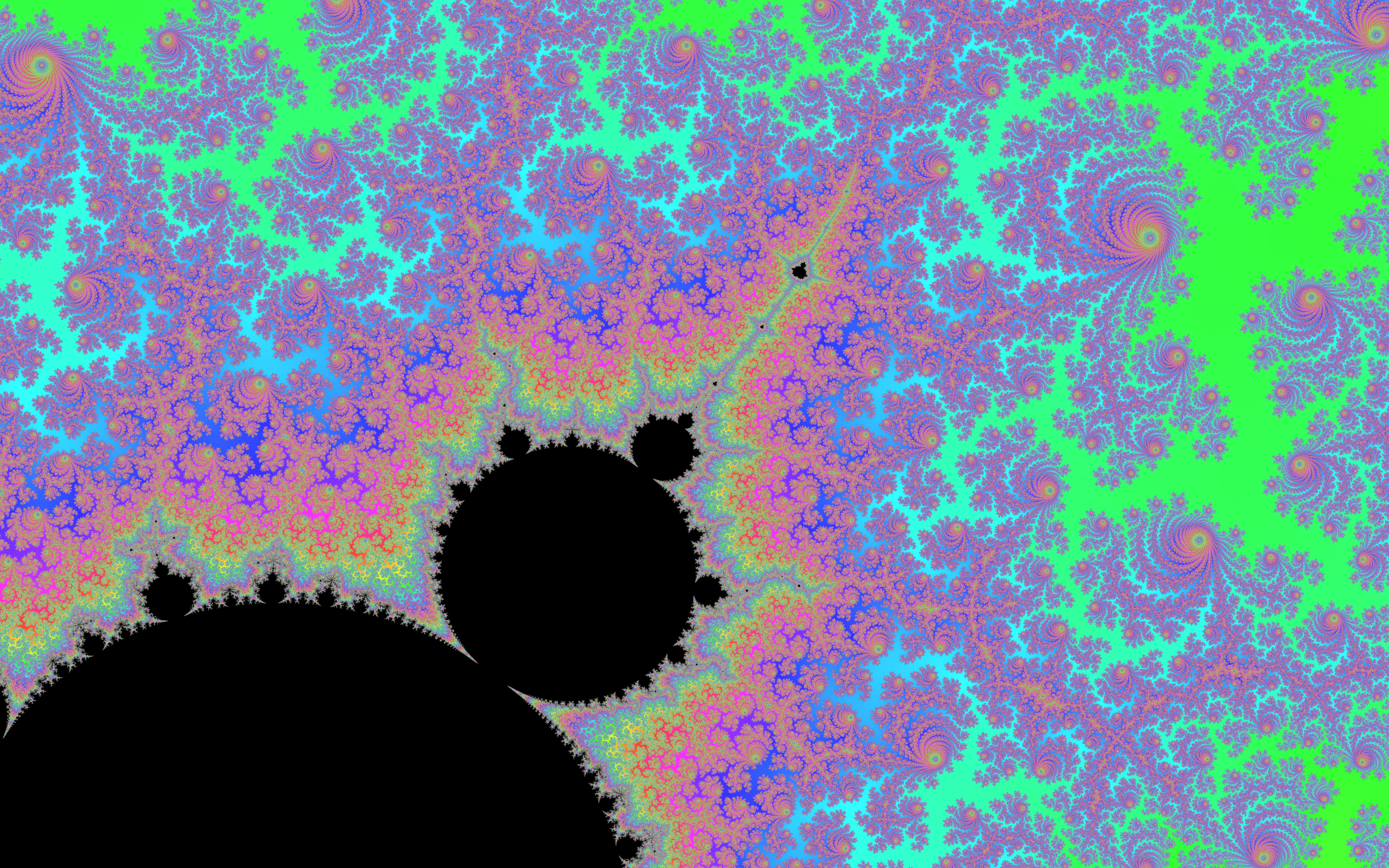

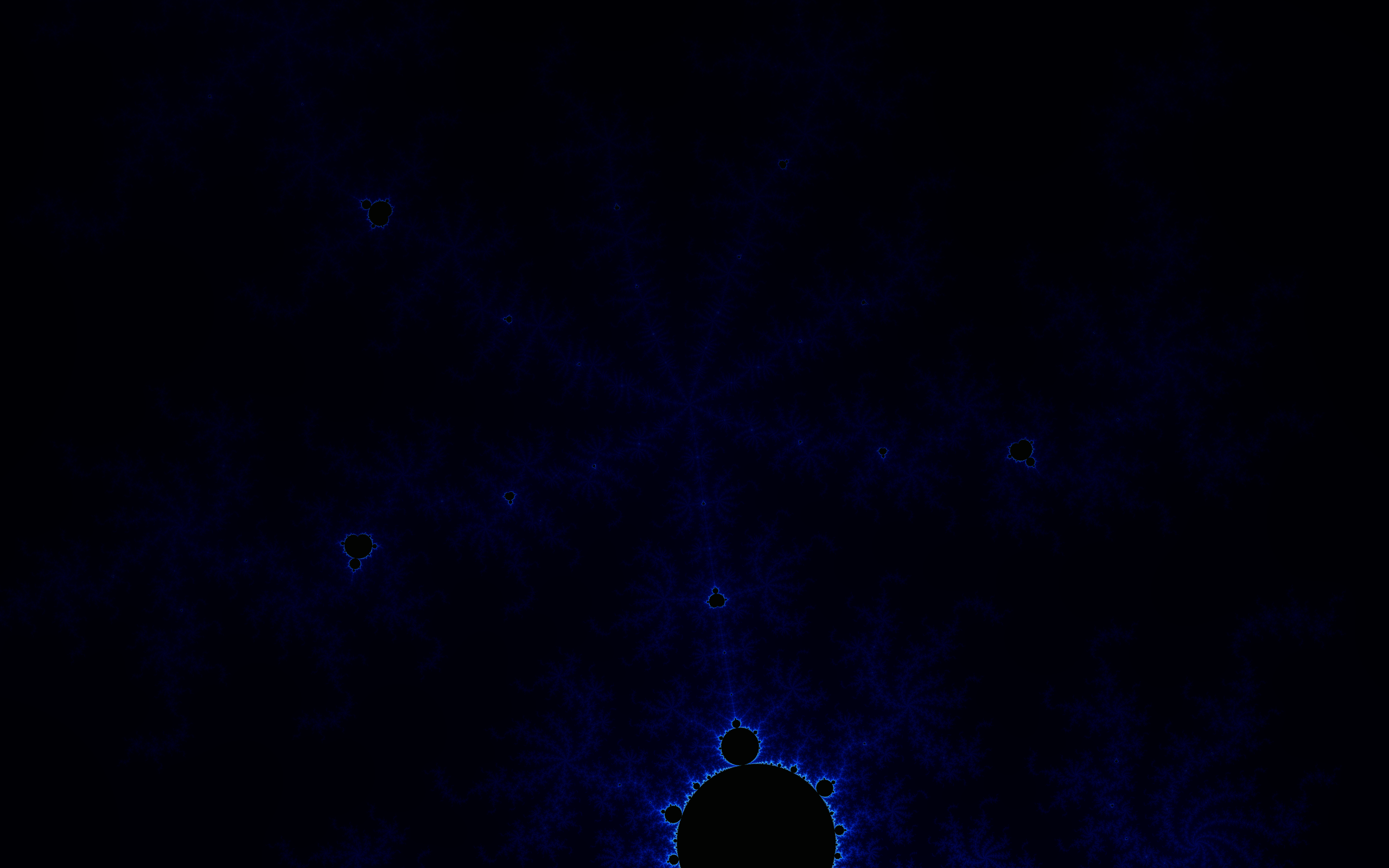
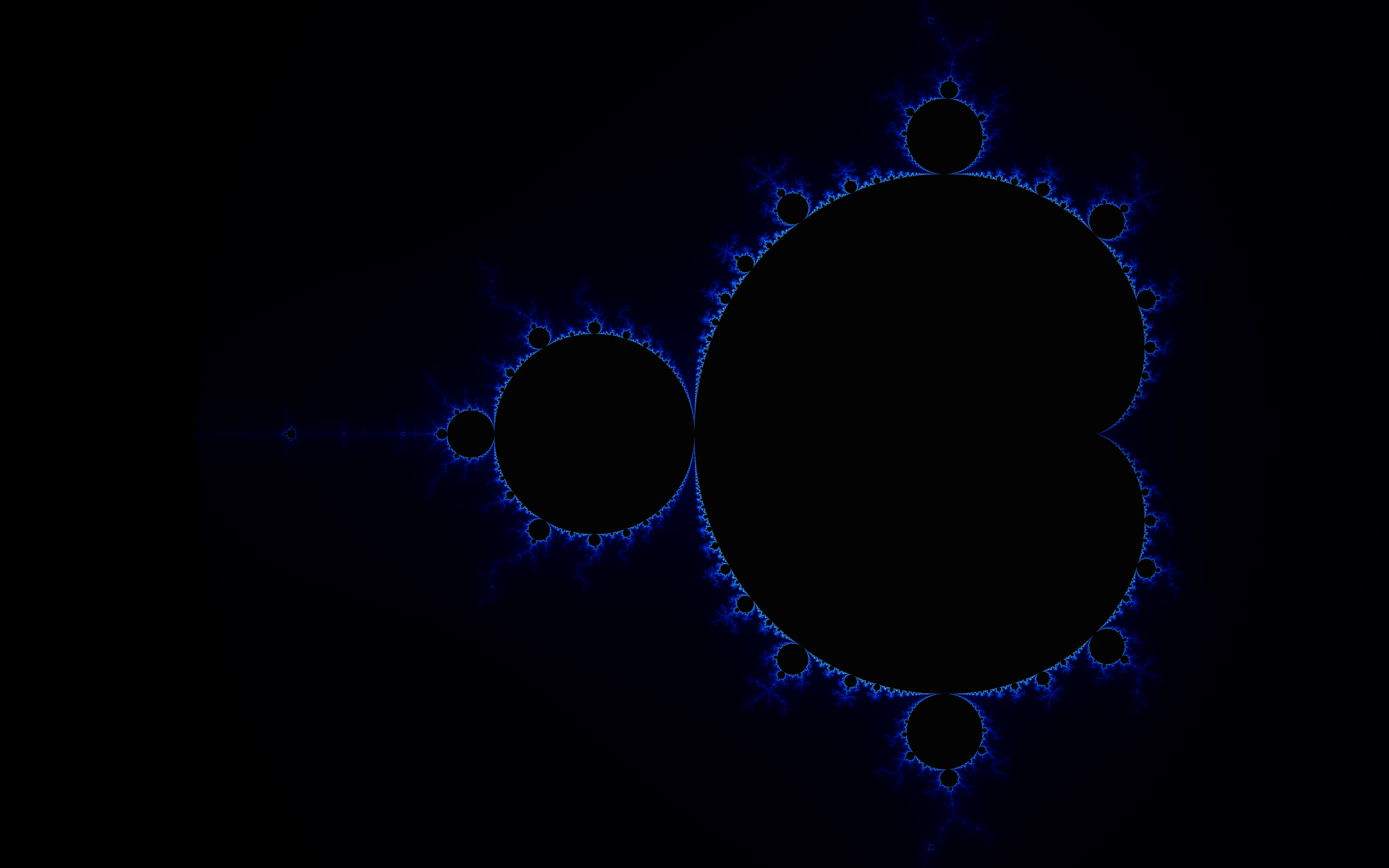
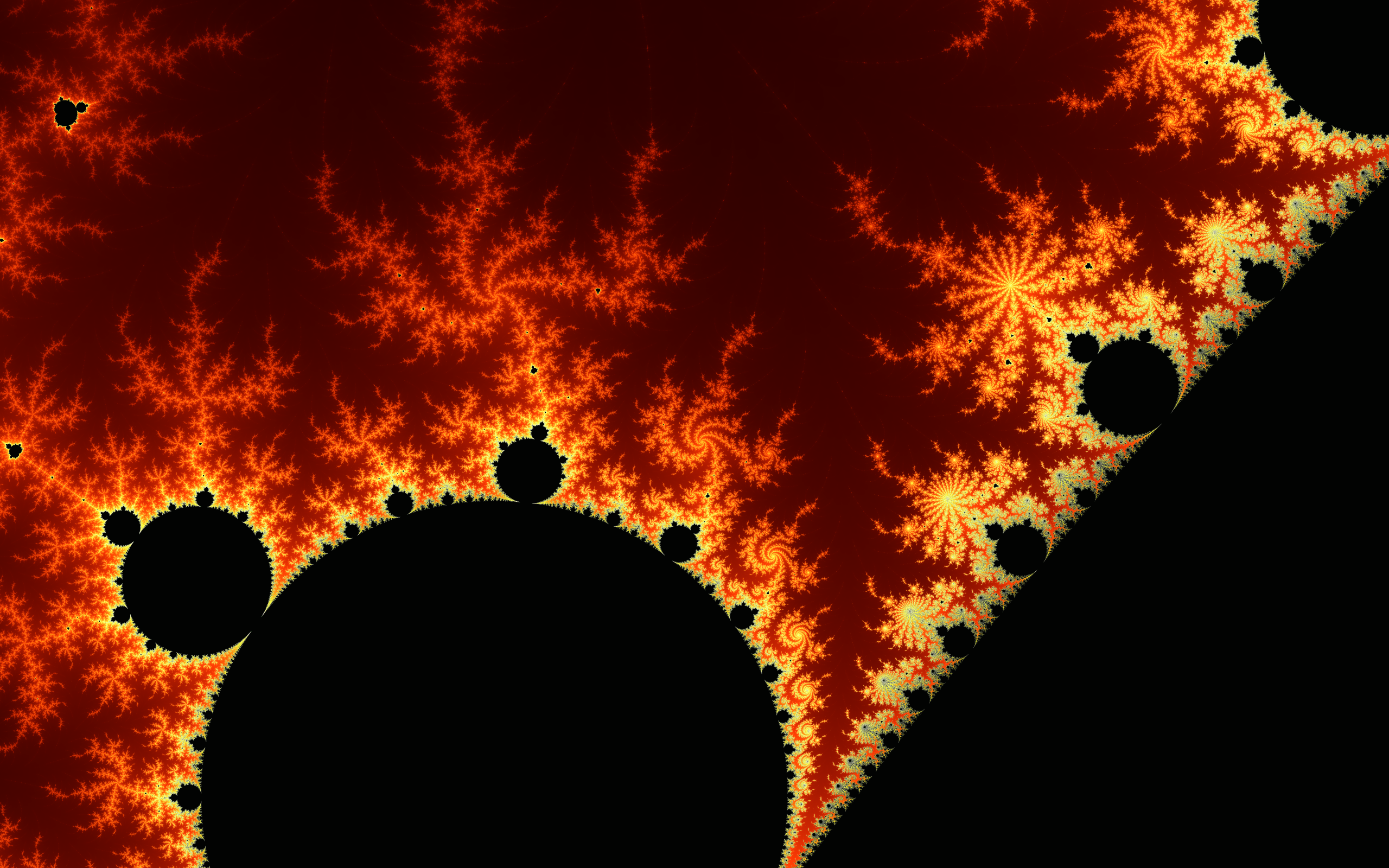
__  __                 _      _ _               _
|  \/  |               | |    | | |             | |
| \  / | __ _ _ __   __| | ___| | |__  _ __ ___ | |_
| |\/| |/ _` | '_ \ / _` |/ _ \ | '_ \| '__/ _ \| __|
| |  | | (_| | | | | (_| |  __/ | |_) | | | (_) | |_
|_|  |_|\__,_|_| |_|\__,_|\___|_|_.__/|_|  \___/ \__|
   __             __         __
  / /  __ __  __ / /__  ____/ /_
 / _ \/ // / / // / _ \/ __/ __/
/_.__/\_, /  \___/\___/_/  \__/
     /___/                      v1.4
1. Install Rust
On Linux:
curl --proto '=https' --tlsv1.2 -sSf https://sh.rustup.rs | sh
cargo run --release
__  __                 _      _ _               _
|  \/  |               | |    | | |             | |
| \  / | __ _ _ __   __| | ___| | |__  _ __ ___ | |_
| |\/| |/ _` | '_ \ / _` |/ _ \ | '_ \| '__/ _ \| __|
| |  | | (_| | | | | (_| |  __/ | |_) | | | (_) | |_
|_|  |_|\__,_|_| |_|\__,_|\___|_|_.__/|_|  \___/ \__|
   __             __         __
  / /  __ __  __ / /__  ____/ /_
 / _ \/ // / / // / _ \/ __/ __/
/_.__/\_, /  \___/\___/_/  \__/
     /___/                      v1.4


Run Mandelbrot using:
	cargo run --release -- <width> <height> <max_iterations> <supersampling_amount> <window_scale>
where <arg> means substitute with the value of arg
use '-' to use the default value of arg

KeyBindings {
    Up -> Move up translation_amount pixels,
    Down -> Move down translation_amount pixels,
    Left -> Move left translation_amount pixels,
    Right -> Move right translation_amount pixels,
    R -> Reset the Mandelbrot set view to the starting view,
    NumPadPlus -> Increment translation_amount,
    NumPadMinus -> Decrement translation amount,
    NumPadAsterisk -> Increment scale_numerator,
    NumPadSlash -> Decrement scale_numerator,
    LeftBracket -> Scale the view by scaling_factor, effectively zooming in,
    RightBracket -> Scale the view by inverse_scaling_factor, effectively zooming out,
    V -> Prints the current Mandelbrot set view; the center and scale,
    Key1 -> Renders VIEW_1,
    Key2 -> Renders VIEW_2,
    Key3 -> Renders VIEW_3,
    Key4 -> Renders VIEW_4,
    Key5 -> Renders VIEW_5,
    Key6 -> Renders VIEW_6,
    Key7 -> Renders VIEW_7,
    Key8 -> Renders VIEW_8,
    Key9 -> Renders VIEW_9,
    Key0 -> Renders VIEW_0,
    K -> Prints the keybindings,
    S -> Saves the current Mandelbrot set view as an image in the saved folder,
    I -> Manually input a Mandelbrot set view,
    A -> Pick an algorithm to color the Mandelbrot set view,
    M -> Change the Mandelbrot set view max_iterations,
    O -> Change the Mandelbrot set view color channel mapping, xyz -> RGB, where x,y,z ∈ {{'R','G','B'}} (case-insensitive),
    Q -> Change the window and image quality of the Mandelbrot set rendering by setting the SSAA multiplier, clamped from 1x to 64x,
    X -> Change the image quality of the Mandelbrot set rendering by setting the SSAA multiplier, clamped from 1x to 64x,
    C -> Prints the configuration variables,
}
| Keys | Action |
|---|---|
| ↑, ↓, ←, → | Move up, down, left, or right |
| R | Reset the Mandelbrot set view to the starting view |
| [ | Zoom in |
| ] | Zoom out |
| V | Prints the current Mandelbrot set view; the center and scale |
| 0, …, 9 | Render a preconfigured view |
| K | Print the keybindings |
| S | Saves the current Mandelbrot set view as an image |
| I | Manually input a Mandelbrot set view |
| A | Pick an algorithm to color the Mandelbrot set view |
| M | Change the Mandelbrot set view max_iterations |
| O | Change the Mandelbrot set view color channel mapping |
| Q | Change the window and image quality of the Mandelbrot set rendering by setting the SSAA multiplier |
| X | Change the image quality of the Mandelbrot set rendering by setting the SSAA multiplier |
| ESC, CTRL+C | Exit |


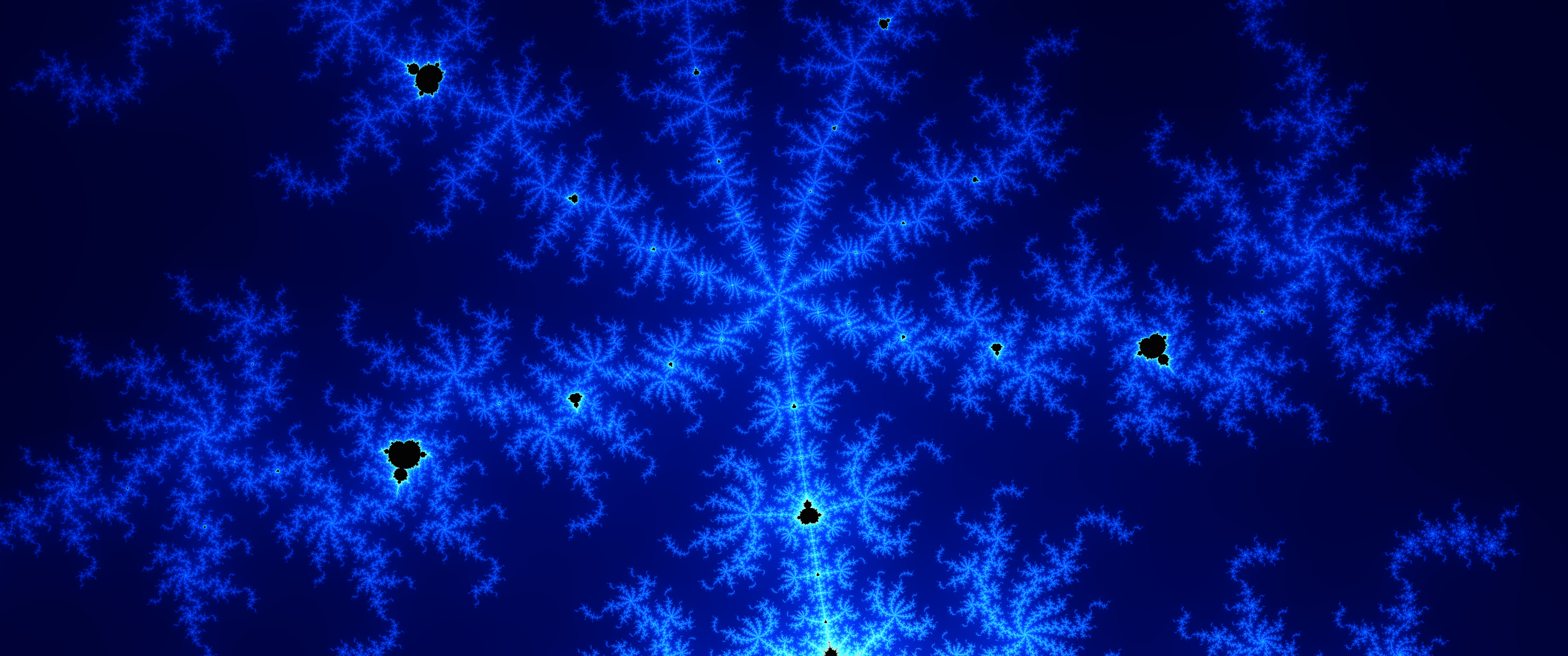
Leave a Reply